
Search MyCase for St. Joseph County Court Records
The central public lookup for St. Joseph County court records is Indiana MyCase, the state case-search portal for courts that use Odyssey. The Indiana Judicial Branch says MyCase may be used by anyone to search public, non-confidential case information and documents. It is useful for Circuit Court, Superior Court, many public Probate Court matters, and St. Joseph/Walkerton Town Court records. MyCase is not the official court record, so certified copies, non-linked filings, older files, and official balances must still come from the court or the Clerk of the Circuit Court and Superior Court.
The Indiana MyCase help page explains that public users can search by case number, citation number, party name, business name, or attorney. Case numbers may be entered without hyphens or leading zeroes. Date of birth can narrow a party search, but it does not display in the public case detail. If a name is common, use the file-date range and status filters. MyCase limits large result sets, so broad name searches may need more detail before the correct St. Joseph County case appears.
The Indiana MyCase public case search screen is the starting point for most St. Joseph County court records searches.
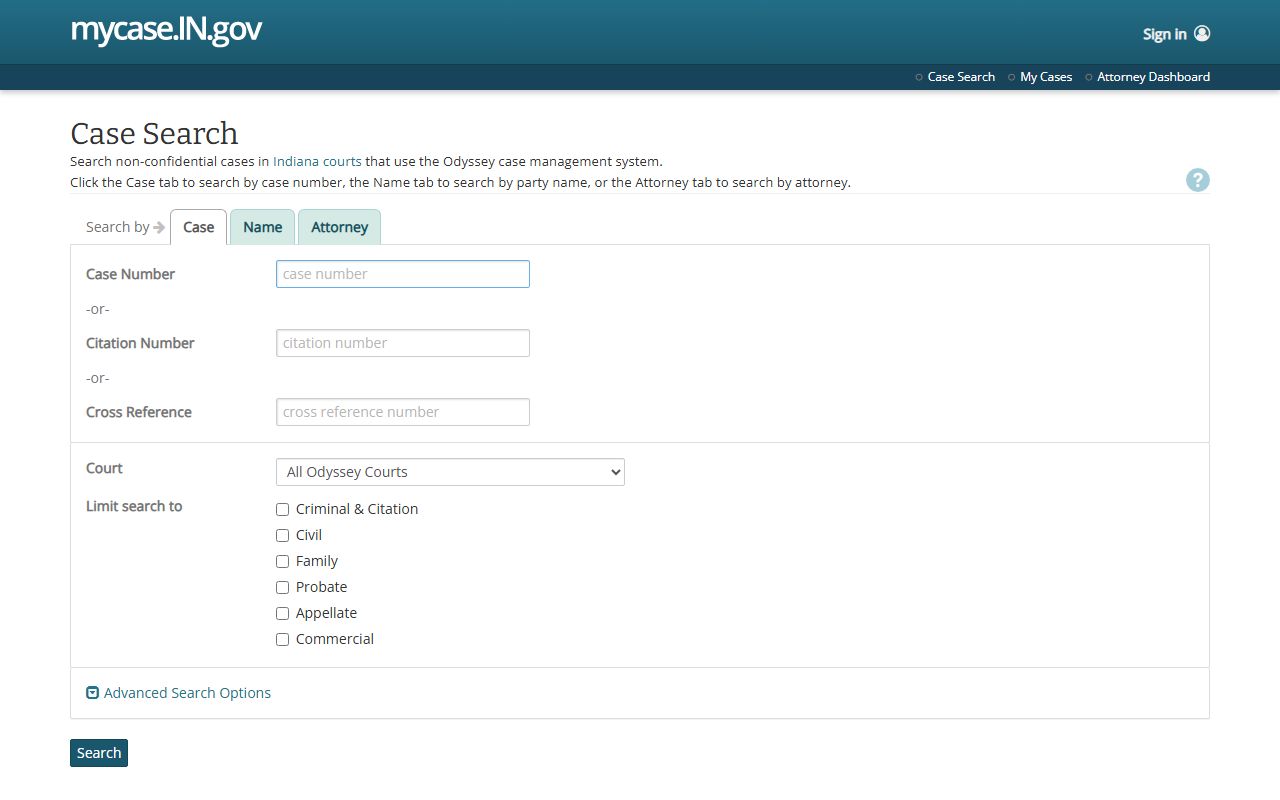
Use the portal for public case information first, then verify official record status through the county court or clerk when a legal copy is needed.
- Open MyCase and choose the search mode that matches the information available: case number, citation number, party name, business name, or attorney.
- Use St. Joseph County court clues when possible, including a known case type, filing date range, court, or citation number.
- Open the case detail and review the header, parties, charges, chronological case summary, hearings, bonds, documents, and financial sections.
- If a document link appears in the chronological case summary, check whether public online access is allowed for that document type.
- Contact the Clerk at 574-235-9635 for official copies, certified copies, older files, non-linked public documents, and official balances.
- Use the proper office for records outside the court file, such as SJCPD police reports, BMV driver records, federal PACER cases, or restricted Probate Court matters.
St. Joseph County Court Records Search Fields
MyCase searches St. Joseph County court records through several fields rather than one general search box. A precise case number is best. A citation number works well for traffic cases after the ticket has been filed. Name searches are useful when the case number is unknown, but they can return too many matches unless a first name, middle name, birth date, file-date range, or court filter is added. Attorney searches can help locate cases connected to counsel of record, especially when a party name is incomplete.
| Field Label | Type | Required | Notes / Format |
|---|---|---|---|
| Case Number | Text | No | Hyphens and leading zeroes are not required; St. Joseph prefixes include 71C01, 71D01-71D08, 71I01, and 71J01. |
| Citation Number | Text | No | Best for traffic tickets and infractions after filing. |
| Cross Reference Number | Text | No | Use instead of a case or citation number. |
| Business Name | Text | No | Used for organization-party searches. |
| Last Name | Text | No | Needed for most name searches unless a business name is used. |
| First Name | Text | No | Narrows party or attorney searches. |
| Middle Name | Text | No | Helps separate similar names. |
| Date of Birth | Date | No | Narrows party search; birth dates do not display in case details. |
| Attorney Number | Text | No | Can be found through Indiana's Roll of Attorneys. |
| Attorney Last Name | Text | No | Used when an attorney number is unknown. |
| Status | Filter | No | Advanced filtering may separate open and closed cases. |
| File Date Range | Date range | No | Useful for common names and older searches. |
| Court | Dropdown/filter | No | Use when the division or court identifier is known. |
The MyCase document access matrix explains why some public case entries have document links and others do not.
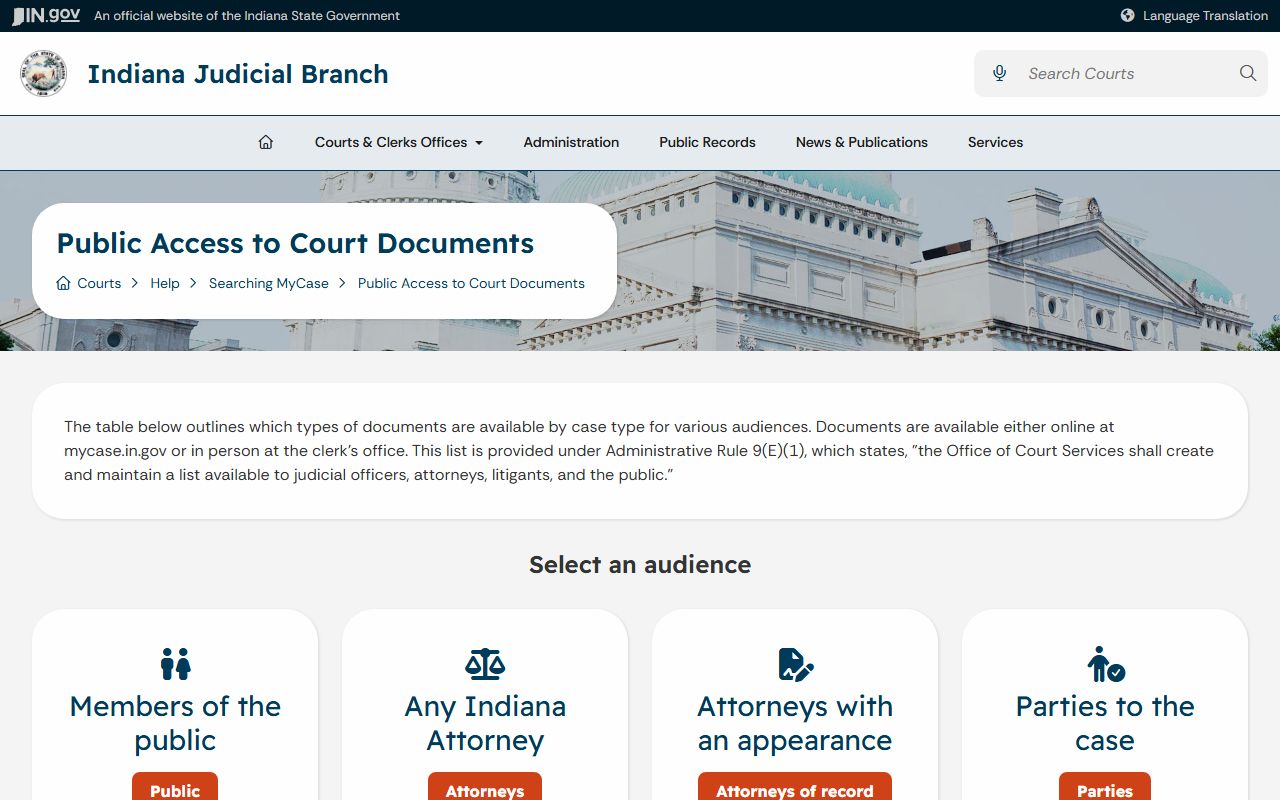
Document access depends on case type, user role, document type, and whether the filing is available for public online viewing.
Types of St. Joseph County Court Records
St. Joseph County court records come from several local courts. Civil records include collections, contracts, tort cases, mortgage foreclosures, evictions, small claims, name changes, administrative appeals, injunctions, and judgments. Criminal records include felony, misdemeanor, murder, miscellaneous criminal, bond, charge, disposition, and sentencing information. Traffic records include infractions, misdemeanor traffic matters, fines, court dates, and failure-to-appear activity. Family and probate records require more care because the county's Probate Court also handles juvenile, paternity, guardianship, adoption, estate, trust, divorce, child support, and visitation matters.
The Odyssey court participation list confirms that St. Joseph County courts are in Odyssey, with different implementation dates for Circuit Court, Superior Court divisions, and Walkerton Town Court.
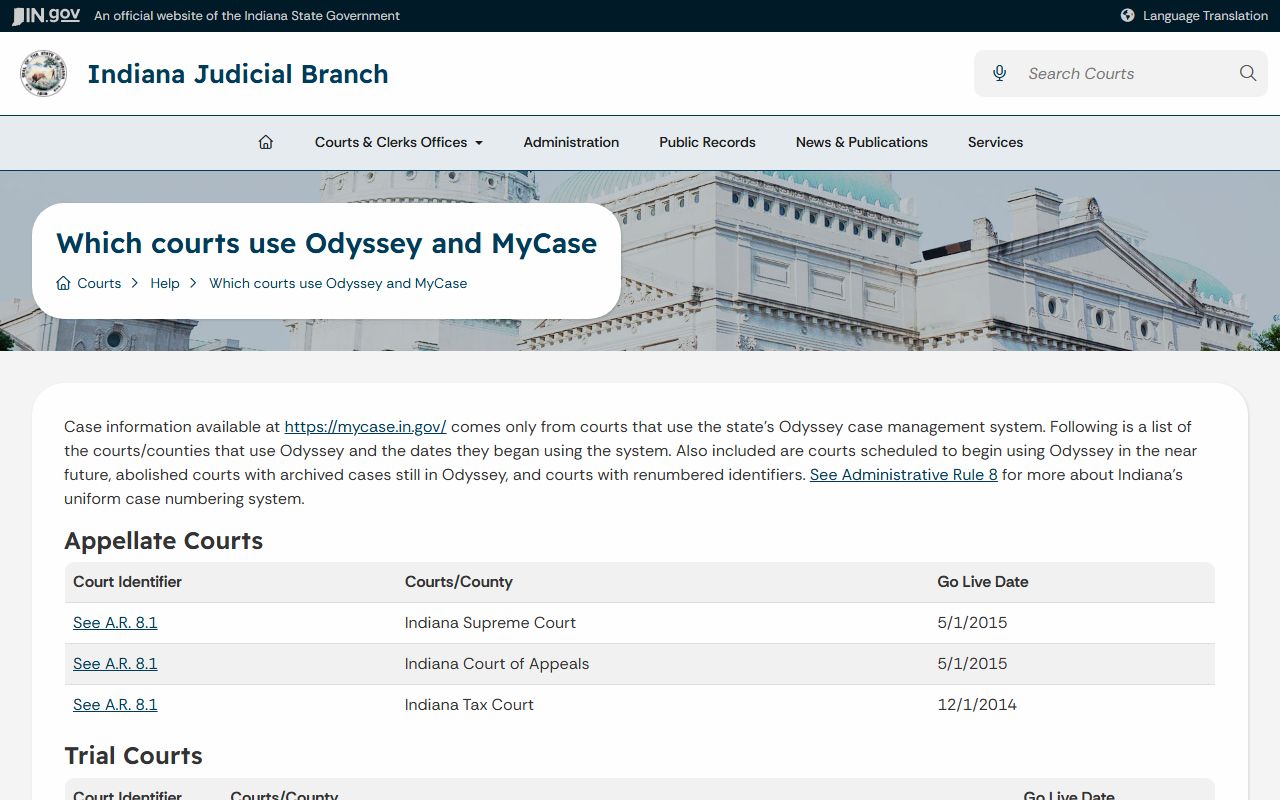
That participation is why MyCase is the main public path for current St. Joseph County court records, though the clerk remains the source for official copies.
- Civil case records include claims, filings, motions, hearings, judgments, and court orders in Circuit or Superior Court.
- Criminal case records include charges, offense statutes, bond, hearings, pleas, disposition, sentencing events, and financial items.
- Traffic case records include citation activity, court dates, payment status, deferral information, and failure-to-appear consequences.
- Probate and family records include estates, wills, guardianships, divorce, paternity, visitation, and child-support case events when public.
- Juvenile, adoption, protection order, and mental health records are often restricted or routed through special access rules.
What St. Joseph County Court Records Show
A St. Joseph County case number can tell a lot before the case is opened. Indiana Administrative Rule 8 uses a county or court identifier, a filing year and month, a case-type code, and a sequence number. St. Joseph identifiers include 71C01 for Circuit Court, 71D01 through 71D08 for Superior Court, 71I01 for St. Joseph/Walkerton Town Court, and 71J01 for Probate Court. Case-type codes can show whether the matter is civil, criminal, small claims, traffic, probate, guardianship, trust, or another type.
| Field | What It Shows |
|---|---|
| Case Number | The court identifier, filing date segment, case-type code, and filing sequence. |
| Filing Date | The date the case or filing entered the court system. |
| Court | The St. Joseph County court or division handling the matter. |
| Case Type | The Rule 8 category, such as civil plenary, small claims, felony, misdemeanor, probate, or infraction. |
| Status | Open, closed, pending, disposed, or another status shown by the case system. |
| Parties | Names and roles such as plaintiff, defendant, petitioner, respondent, appellant, or appellee, subject to masking. |
| Attorneys | Counsel of record, attorney role, and public work contact fields when available. |
| Charges | Offense date, statute, degree, citation number, offense description, and charge changes in criminal or infraction cases. |
| Bonds | Bond number, amount, and status date when a bond section is present. |
| Events | The chronological case summary, including filings, hearings, orders, judgments, dispositions, and sentencing entries. |
| Documents | Downloadable links when the document is public online and available in MyCase. |
| Financial | Fee summaries, transactions, and balances that should be verified with the clerk before payment or legal use. |
Public Access Rules for St. Joseph County Court Records
Public access to St. Joseph County court records is governed mainly by Indiana's Rules on Access to Court Records. Access to Court Records Rule 4 states the broad public access rule: court records are public unless Rule 5, another statute, or a court order excludes them. That rule is the basis for public MyCase lookup, clerk counter access, and copy requests for non-confidential court files.
The public access rule is broad, but it is not the same as unrestricted online access. MyCase is a service under Indiana Supreme Court authority. Remote access is controlled by Indiana Administrative Rule 9, which covers public access, calendars, dockets, and compiled court data. Non-court records, such as police reports or prosecutor public-records responses, fall mainly under Indiana Code 5-14-3, the Access to Public Records Act, rather than the court-records rules.
The Indiana Rule 4 source is important because it states the public-access starting point for St. Joseph County court records.
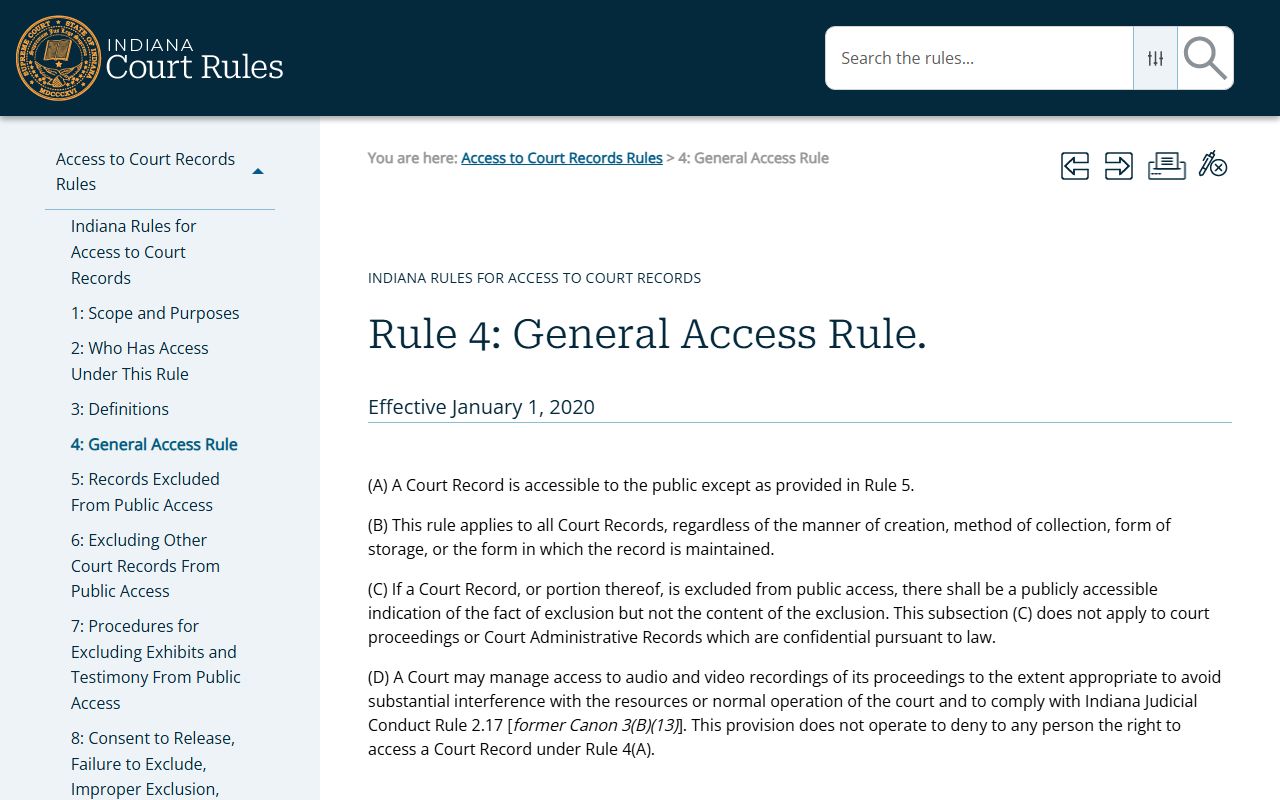
When a record is not available online, Rule 4 still helps explain why the clerk or court may release a public copy through a direct request.
Note: MyCase is a public lookup tool, but the official record comes from the court or clerk maintaining the case file.
Restricted St. Joseph County Court Records
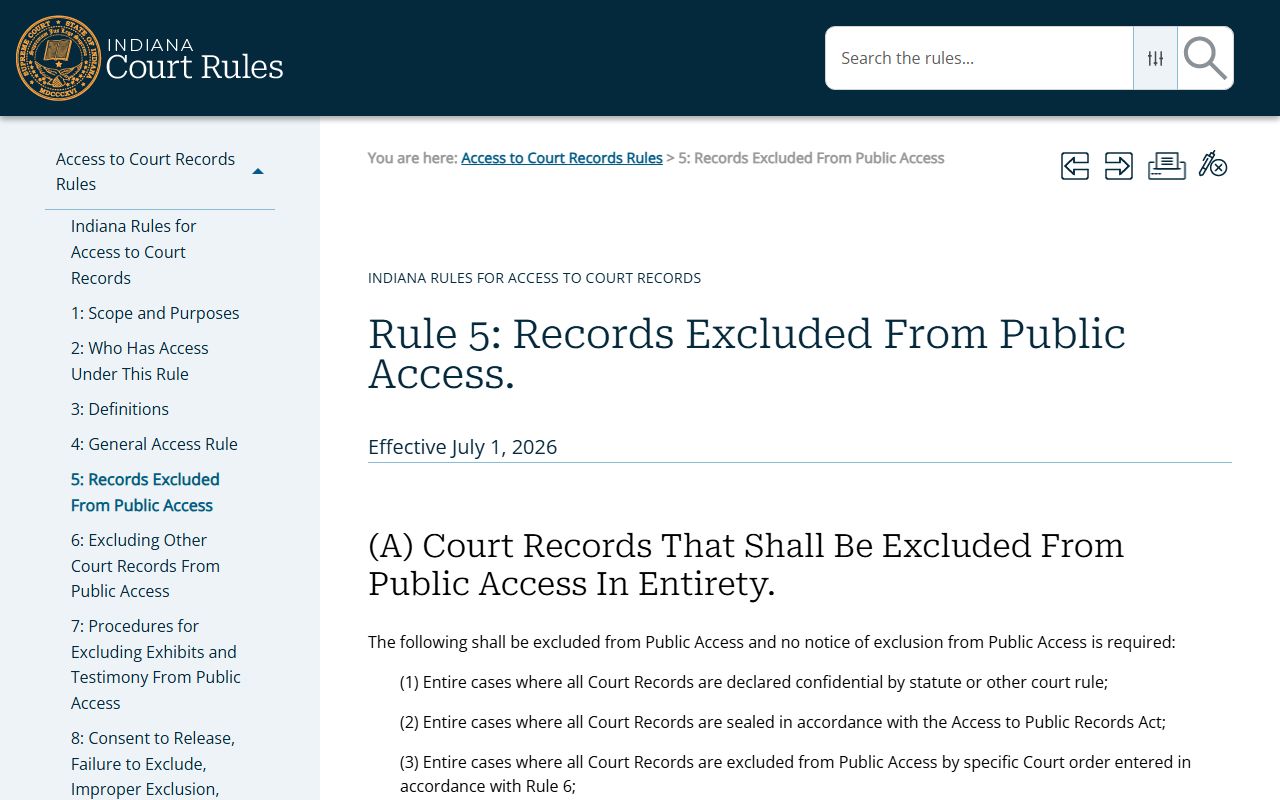
Access to Court Records Rule 5 lists records and data that are not open to ordinary public access. In St. Joseph County, this matters most for juvenile cases, adoption records, mental health proceedings, protected-party data, certain investigatory requests, sealed cases, and personal identifiers. Rule 5 also excludes Social Security numbers, complete account numbers, passwords, PINs, medical and mental health material, drug or substance treatment records, GAL or CASA reports, custody evaluations, child witness identifying information in sex-offense cases, and victim or witness contact information in criminal, juvenile, or protection-order matters.
St. Joseph Probate Court makes this issue more local than in many Indiana counties because it has jurisdiction over juvenile matters and the Juvenile Justice Center, along with estates, wills, trusts, guardianships, adoptions, paternity disputes, divorce, child support, and visitation. MyCase help notes that juvenile paternity cases filed before July 1, 2014 remain confidential, while later JP cases may be available unless made confidential. Protection order cases are not searched in MyCase because federal law restricts online identifying information about protected persons.
The Indiana Rule 5 source identifies the confidentiality limits that can keep St. Joseph County court records out of public search results.
If a case is sealed, confidential, or partly redacted, the absence of public MyCase detail does not prove that no case exists.
Copies of St. Joseph County Court Records
Online documents are only one access channel. MyCase may show public documents as links in the chronological case summary, but the help material warns that document access is not retroactive and not every public filing is online. If a public document is not linked, the correct next step is to contact the local clerk for the county hearing the case. For St. Joseph County, the Clerk of the Circuit Court and Superior Court is the fallback for certified copies, non-linked public filings, older case material, and official balances.
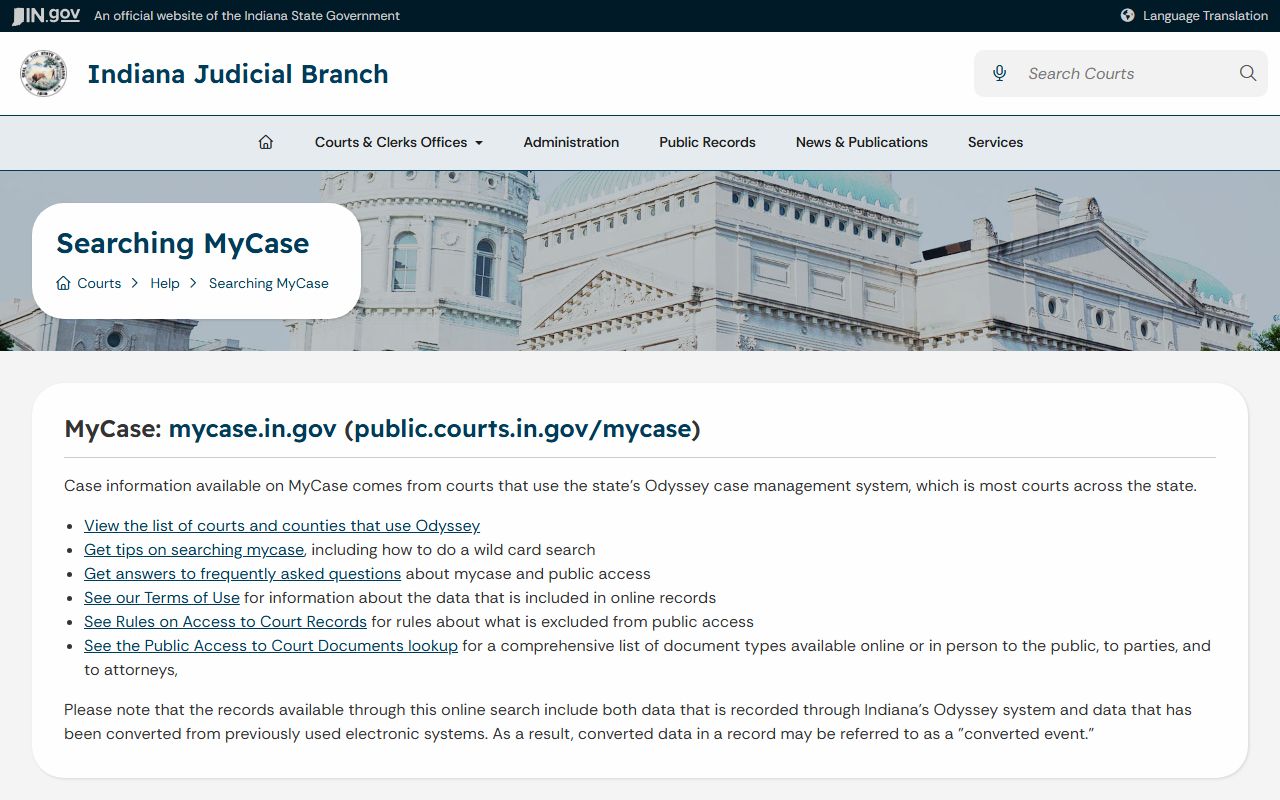
The Indiana Judicial Branch MyCase help page also separates public, party, and attorney access. Some parties or attorneys may have broader access after login or account linking than a public search user sees. That does not mean the same document is available to any person through a public search. For public records that belong to another agency, use the agency route. SJCPD Records Division handles police reports and background-check requests, the BMV handles driver records, and PACER handles federal cases.
The MyCase public access help page gives the practical limits for public, party, and attorney document viewing.
Use that distinction before assuming a missing online document is confidential, deleted, or unavailable from the clerk.
St. Joseph County Court Records Office Channels
For official copies, the local access chain is MyCase first, then the clerk or specific court. Court-level questions about hearings, jury duty, or an upcoming court date should go to the local court. Copy and certification questions generally go to the Clerk of the Circuit Court and Superior Court. Probate and juvenile questions may route through the Probate Court Clerk because the Probate Court handles estates, guardianships, adoption, juvenile, paternity, and family matters.
Clerk of the Circuit Court and Superior Court
Courthouse 1
101 S. Main Street
South Bend, IN 46601
574-235-9635
St. Joseph Probate Court Clerk
1000 S. Michigan Street
South Bend, IN 46601
574-235-9635 ext. 7045
Older estate index work may begin at Archives, but current and post-index probate records should route to the Clerk or Probate Clerk. Federal civil and criminal matters from St. Joseph County do not appear in MyCase and should be searched through PACER or the federal clerk.