
St. Joseph County Dockets and CCS Entries
A St. Joseph County court docket is the chronological record of case activity. Indiana court materials often call this the chronological case summary, or CCS. In MyCase, the docket can include filings, hearings, orders, judgments, sentencing events, disposition events, violation events, appellate events, and document attachments when online access is allowed. It is the running event log, not the whole file. A docket entry may say that a motion was filed, but the motion itself may or may not be linked for public viewing.
This distinction matters for St. Joseph County because the local court system is spread across Circuit Court, Superior Court, Probate Court, and St. Joseph/Walkerton Town Court. A docket can show a hearing event in a Superior Court felony case, a civil order in Circuit Court, a traffic appearance in the Traffic and Misdemeanor Division, or a probate event if public. The full case file may include pleadings, exhibits, orders, confidential forms, financial records, or certified copies that are not visible from the public docket screen.
- Docket
- The chronological list of case events.
- CCS
- Indiana's chronological case summary for filings, hearings, orders, and outcomes.
- Event
- A docket item such as a hearing, filing, order, judgment, disposition, or sentencing entry.
- Document Link
- A public online file attached to an event when MyCase access rules permit it.
Search St. Joseph County Court Dockets Online
Most public St. Joseph County court docket research begins in Indiana MyCase. The portal searches public case information for Odyssey courts. St. Joseph County courts are in Odyssey, including Circuit Court, Superior Court divisions, and St. Joseph/Walkerton Town Court. MyCase can display case details and chronological case summary entries, but it does not replace the official court record held by the clerk or court. If an event is missing, delayed, sealed, or not linked to a document, the next step is to contact the local office responsible for that case.
The Indiana Administrative Rule 8 case-numbering rule helps decode docket searches because a case number identifies county, court, filing period, case type, and sequence.
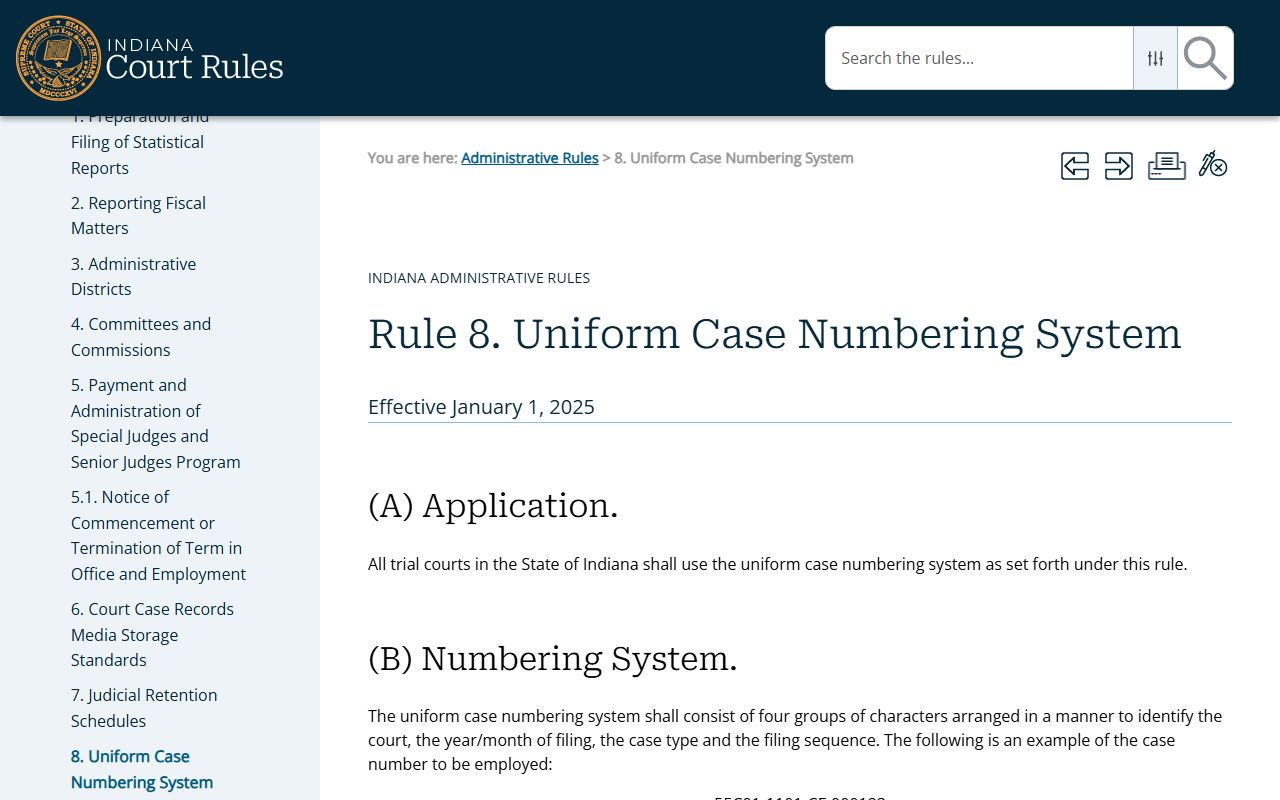
For St. Joseph County dockets, prefixes such as 71C01, 71D01-71D08, 71I01, and 71J01 help identify the local court or division tied to the event history.
- Open MyCase and search by case number when possible, since that is the most precise docket path.
- Use party name, business name, attorney, citation number, or file-date filters when the case number is unknown.
- Open the case detail and find the chronological case summary or event section.
- Review hearing events, filing events, orders, disposition events, and any linked documents.
- Contact the Clerk of the Circuit Court and Superior Court for official copies, missing public documents, older files, or certified records.
Sample St. Joseph County Docket Entry Fields
MyCase docket entries can vary by case type, court, and event. Criminal and infraction dockets may include charge, bond, hearing, disposition, sentencing, and financial events. Civil dockets may include complaint, service, motion, order, judgment, and satisfaction events. Probate or family dockets may show public events but hide confidential filings. A docket entry should be read as a trail of court activity. It is not proof that every attached filing is public online.
| Field | What It Shows |
|---|---|
| Entry Date | The date the event was filed, scheduled, entered, or posted to the case history. |
| Event Type | The category of activity, such as filing, hearing, order, judgment, sentence, disposition, violation, or appeal. |
| Hearing Information | Court date, appearance activity, and sometimes the division or courtroom context when public. |
| Filing Party | The party or attorney connected to a filed item when the system displays it. |
| Document Link | A downloadable public document if online access is permitted for that filing and case type. |
| Disposition Entry | The outcome or status change for a claim, charge, judgment, or case. |
| Financial Entry | Costs, fees, payments, or balances that should be verified with the clerk before action. |
Note: A docket may show a case event even when the document behind that event is not available through public online access.
Local St. Joseph County Court Dockets
St. Joseph County's docket structure follows its local courts and divisions. Circuit Court is the primary general-jurisdiction court in the Phase B map, but local assignment materials show much of its work is civil. Superior Court carries a large share of county trial work, including felony criminal matters, misdemeanor matters, small claims, traffic, and civil cases. Probate Court is unusually broad because it handles estates, wills, trusts, guardianships, adoption, paternity, family matters, juvenile matters, and Juvenile Justice Center administration. St. Joseph/Walkerton Town Court is a local town court for certain matters under that jurisdiction.
| Court / Division | Docket Role | Access Notes |
|---|---|---|
| St. Joseph Circuit Court | Civil-heavy general jurisdiction, with some criminal nonsupport, welfare fraud, grand jury, and protective-order work. | Public docket activity may appear in MyCase when not confidential. |
| Superior Court Civil Division | Civil cases shared with Circuit Court. | Use MyCase, then the Clerk for copies or missing filings. |
| Superior Court Felony Division | Felony criminal case hearings, filings, dispositions, and sentencing events. | Dockets may show charge, bond, hearing, plea, trial, and sentence activity. |
| Traffic and Misdemeanor Division | Misdemeanor, traffic infraction, and related court-date activity. | Citation searches work after filing; traffic scheduling has separate county phone channels. |
| St. Joseph Probate Court | Probate, juvenile, adoption, paternity, family, guardianship, trust, and estate matters. | Many juvenile, adoption, mental health, and protected filings are restricted. |
| St. Joseph/Walkerton Town Court | Town court matters including some tickets. | MyCase participation is listed for 71I01. |
St. Joseph County Dockets vs Case Files
A docket is a map of the case. The case file is the record itself. In St. Joseph County, MyCase may reveal that an order was entered or a hearing was held, but the full order, motion, exhibit, or certified copy may require clerk access. This is especially true for older documents, non-retroactive document access, sealed filings, and records where the event is public but the filing has restricted data.
| Feature | Docket / CCS | Full Case Record |
|---|---|---|
| Format | Chronological list of case events. | Documents, orders, pleadings, exhibits, notices, and certified copies. |
| Best use | Track case progress, hearing dates, dispositions, and key events. | Review exact filings, official orders, and legal copies. |
| Online access | Often visible in MyCase if public. | Some documents may be linked, but many require clerk contact. |
| Confidential limits | Entries may be masked or absent. | Restricted documents may require party access, attorney access, or court authorization. |
| Official status | Helpful public case history. | The official record comes from the court or clerk. |
Rule 9 and St. Joseph County Court Dockets
Indiana Administrative Rule 9 matters for St. Joseph County court dockets because it controls remote public access, court calendars, dockets, and bulk or compiled court data. The rule helps explain why a person may see online docket entries but still need the clerk for documents, why trial courts cannot simply create extra remote access outside authorized rules, and why calendars or event data may not equal the complete case file.
The Administrative Rule 9 source is the key rule for remote docket and calendar access in Indiana courts.
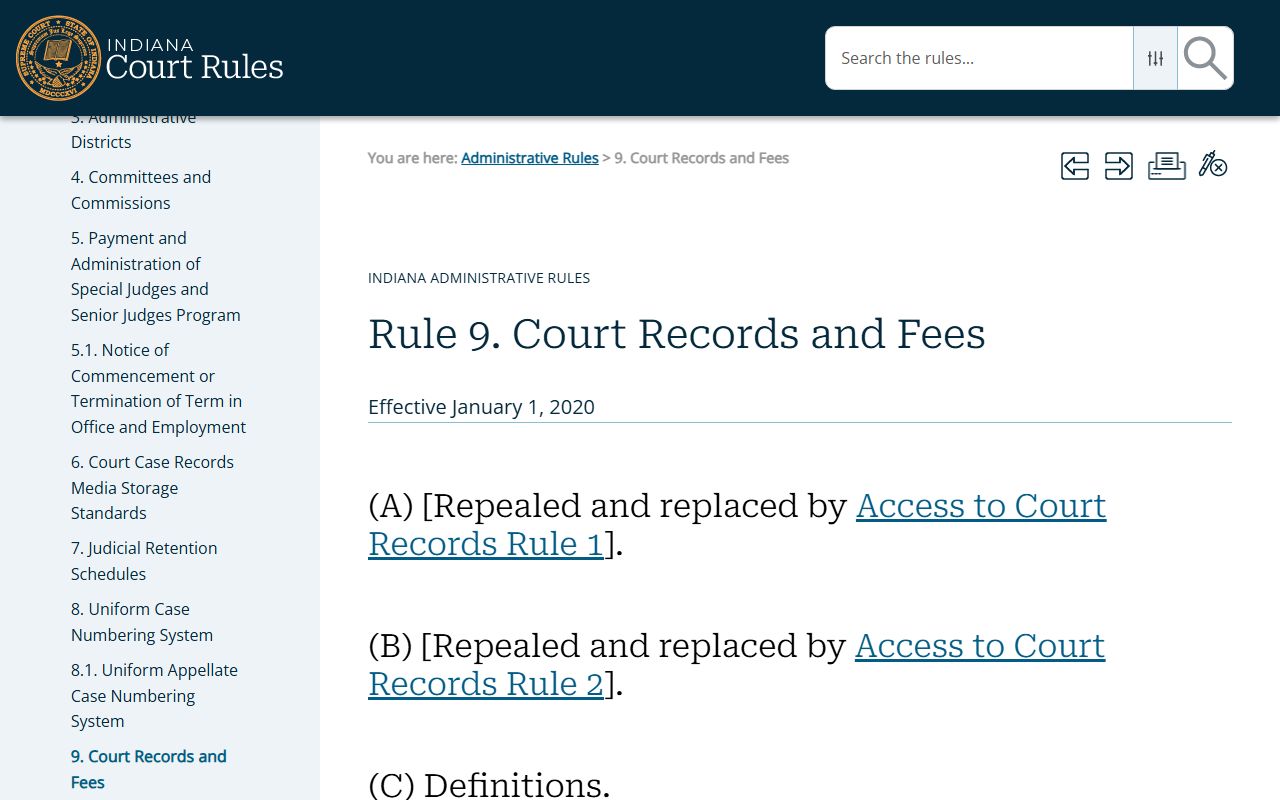
Use Rule 9 with MyCase help and the clerk's copy process to understand the gap between remote docket access and official court-file access.
Note: Docket access can be public while a document, address, personal identifier, or entire case remains restricted by court rule.
Read St. Joseph County Court Docket Events
Docket entries should be read in sequence. The early entries show how the case opened, who appeared, and whether service, bond, or initial hearings were completed. Middle entries often show motions, continuances, pretrial conferences, discovery issues, amended charges, payment events, or compliance checks. Later entries may show judgment, disposition, sentencing, probation, dismissal, satisfaction, appeal, or closure. A single docket line rarely tells the whole story.
Criminal and traffic dockets need special care. A filed charge is not the same as a conviction. A hearing being set does not mean the hearing occurred as planned. A financial balance in MyCase may not reflect recent payments, charges, or interest. The clerk should verify official balances and certified copies. For the full case-file context behind event entries, the broader St. Joseph County court records page explains case fields and copy channels.
St. Joseph County docket readers should also watch the court location attached to each event. A felony event may point to the Superior Court Felony Division at Courthouse 3, while a misdemeanor or traffic event may point to Courthouse 2. A civil event may be tied to Circuit Court or the Superior Court Civil Division at Courthouse 1. Probate, juvenile, adoption, guardianship, and family-related events may appear under Probate Court when public, but those records have more restricted categories than ordinary civil dockets. The court label helps decide whether to call the Clerk, a division clerk, the Probate Clerk, or a traffic scheduling line.
The St. Joseph County Superior Court FAQ is a local source for court-division questions tied to hearings and case activity.
Local division context helps explain why a St. Joseph County docket may point to different courthouse locations for felony, misdemeanor, traffic, small claims, or civil events.